You installed an autoblogging plugin, and your WordPress dashboard now looks like a content factory. But some tools publish thin drafts, miss your internal links, or flood your sitemap with pages Google ignores. That is usually why people start comparing alternatives.
This article covers seven mistakes that quietly break autopilot results, what to check before you commit, and how the leading tools compare. You will also see which option earns the top spot and how to match features to your actual publishing workflow.
What to Look For in AI Autoblogging Tools for WordPress Autopilot
Selecting an AI autoblogging tool for WordPress autopilot requires evaluating more than just the ability to generate text; you must consider how it integrates with your site, the quality controls it offers, and its scalability.
Content quality sits at the top of the list. Look for tools built on modern large language models that produce readable, original, and SEO-friendly drafts rather than keyword-stuffed filler. A good sign is any option to adjust tone, structure, and length so output matches your content strategy instead of a generic template.
Integration matters just as much. The tool should connect cleanly through WordPress plugins or an API, support scheduling, and slot into your existing automation workflow without manual copy-pasting. Customization options such as templates, keyword targeting, and category mapping determine how much control you keep over the final result.
Finally, weigh scalability and support. Bulk generation, credit systems, and clear documentation separate tools that grow with your site from those that stall after a few posts. The sections below explore common pitfalls and review specific tools, including Autoblogging.ai, to help you make an informed decision.
Common Mistakes That Undermine Autopilot Results
Many WordPress site owners sabotage their autopilot results by overlooking critical mistakes such as publishing unedited AI content, ignoring search intent, and failing to establish topical authority.
Here are the most damaging errors and how to avoid each one.
- Publishing without human editing. Raw output from large language models can contain factual errors, awkward phrasing, and outright hallucination. Always proofread before publishing, and treat AI drafts as a starting point rather than a finished product.
- Neglecting SEO fundamentals. Automated content generation does not replace keyword research or an understanding of search intent. Map every post to a real query, and check that the draft answers what readers actually want to know.
- Overlooking E-E-A-T signals. Experience, Expertise, Authoritativeness, and Trustworthiness carry extra weight in YMYL niches like health and finance. Add author bios, cite credible sources, and keep a human reviewer in the loop for sensitive topics.
- Producing duplicate or thin content. Some tools recycle the same phrasing across posts, which risks plagiarism flags and thin content penalties. Run drafts through a plagiarism checker and merge or expand anything that adds little value.
- Breaking your publishing schedule. Sporadic output confuses both search engines and readers. Set a realistic publishing frequency, load it into an editorial calendar, and let scheduling handle the rest.
- Poor WordPress integration. Clunky workflows that require manual exports waste the time automation should save. Test the plugin or API connection early, and confirm drafts land in the right categories with the right formatting.
Each of these mistakes is fixable, but only if you build the checks into your workflow from day one. Combine automated generation with human review, sound SEO practice, and consistent scheduling, and your WordPress autopilot becomes an asset instead of a liability.
1. Autoblogging.ai - Best Overall
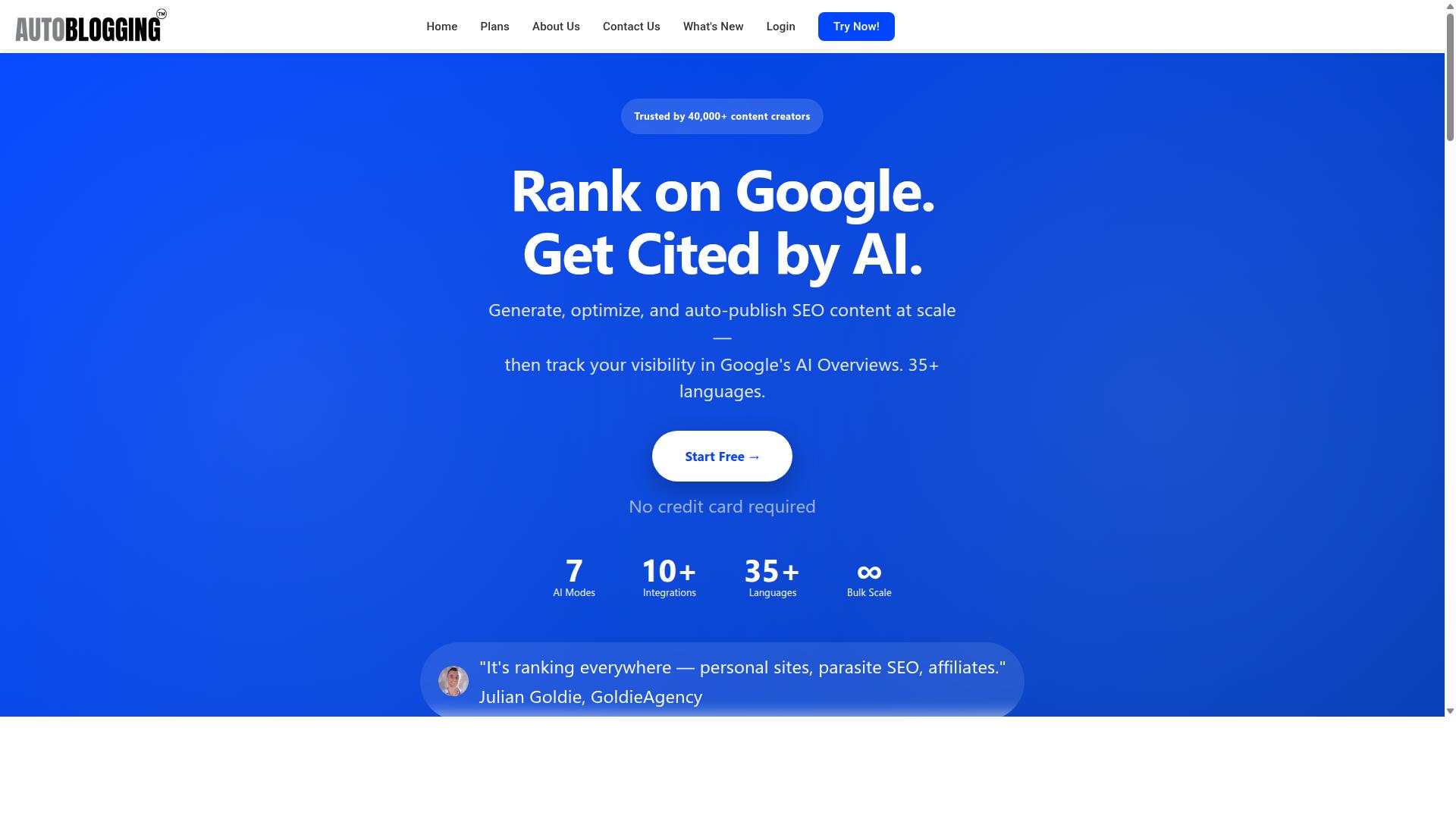
Autoblogging.ai stands out as the best overall AI autoblogging tool for WordPress autopilot due to its advanced AI modes, extensive language support, and seamless integration capabilities. It is a product of Digimetriq.com and has been trusted by over 40,000 content creators, with more than 1 million articles generated to date.
What separates this platform from typical AI autoblogging tools is the sheer breadth of its toolkit. It ships with 10+ AI modes covering everything from quick drafts to deep SERP-driven research, plus optimization tools like the 21-point Semantic SEO Analysis, Snippet Optimizer, and Topical Maps.
Publishing is where many autoblogging setups fall apart, and this is another area where Autoblogging.ai delivers. The platform offers one-click WordPress publishing across unlimited sites, along with API, Zapier, and n8n connections for teams that want a custom automation workflow.
It holds a 4.9 average rating and supports 35+ languages and 35+ integrations, making it suitable for solo bloggers, agencies, and multi-site operators alike. The sections below break down exactly how these features help you sidestep the most common autoblogging mistakes.
How Autoblogging.ai Helps You Avoid These Mistakes
Autoblogging.ai directly addresses the common pitfalls of autoblogging through features like Godlike Mode for SERP analysis, bulk generation with human-proofreading options, and robust WordPress integration. Each capability maps to a specific mistake that trips up most automated content generation projects.
Thin content and misaligned search intent are the first traps. Godlike Mode analyzes SERP competitors, extracts LSI keywords, and pulls knowledge graph data, so generated articles cover related subtopics instead of skimming the surface. That depth helps satisfy search intent and supports topical authority rather than triggering quality concerns.
Volume without quality control is the second trap. Bulk Generation produces up to 500 articles via CSV, and every plan includes access to a human proofreader, with an AI Proofreader also available. This combination reduces errors, awkward phrasing, and readability problems before anything goes live.
Publishing friction is the third trap. With 35+ integrations and support for 35+ languages, the platform connects to WordPress through a plugin with scheduled auto-posting, plus Web 2.0 platforms and multi-platform destinations like Shopify, Wix, Webflow, Blogger, and Ghost.
Scaling headaches round out the list. Credits rollover so unused capacity is not wasted, and 24/7 support keeps issues from stalling your editorial calendar. New features shipped weekly mean the tool keeps pace with shifts in SEO and large language models instead of falling behind trends.
2. Emplibot

Emplibot is an AI autoblogging tool that emphasizes automated content generation and scheduling for WordPress, but it may lack the advanced customization of top-tier options. It positions itself as an AI SEO writer and blog post platform built to automate content marketing for founders and small marketing teams.
The tool aims to handle much of the content pipeline in one place, from planning through publishing. For anyone running a WordPress autopilot setup, that end-to-end approach can reduce the number of separate tools needed.
Its feature set leans toward planning and publishing rather than deep manual control. Users who want to fine-tune every paragraph may find the workflow more guided than flexible.
Core capabilities reported for Emplibot include:
- A smart content calendar that maps out topics over time
- Keyword research that feeds into an optimized publishing plan
- An AI article writer with fact-checking built in
- Automatic internal and external linking
- Images and infographics added to posts
- Dynamic content banners
- Full SEO optimization on generated articles
- Auto-publishing to websites and social media at scheduled times
- Repurposing blog content into social media posts
The appeal here is convenience. A single dashboard handles keyword research, drafting, and scheduling, which suits small teams without a dedicated content staff. A free 7-day trial is offered, so evaluating the fit carries little upfront risk.
On the downside, the platform is often described as having limited AI modes compared with tools that expose more model or tone controls. Output can also skew generic when prompts and briefs stay broad, a common issue across automated content generation platforms.
Those weaknesses matter for this article's topic. Generic, thin content is one of the mistakes that hurts content quality, E-E-A-T, and ultimately rankings. Any tool in this category needs human review before publishing.
Compared with Autoblogging.ai, Emplibot covers similar ground in planning and publishing but with less emphasis on granular customization. The takeaway is not that one tool wins outright, but that buyers should check how much control each option gives over tone, structure, and editing before committing to a blog automation workflow.
3. Frizerly

Frizerly positions itself as a user-friendly AI autoblogging solution, focusing on simplifying content creation for WordPress users, though it may not offer the depth of enterprise-grade tools.
The platform appears to take a different route than many pure-play AI writers. Rather than asking you to feed it prompts, it learns about your business by reading your own website. From there, it uses Google Search Console data to surface topic ideas that already have some footing in search.
That research step matters for anyone trying to avoid the classic autoblogging trap of publishing content nobody searches for. The workflow then moves through drafting, scheduling, and publishing, with posts going out weekly or daily depending on your settings.
One notable feature is automatic product and image insertion. For ecommerce blogs, that can reduce the manual cleanup that usually follows automated content generation. It also tracks rankings after publication, which helps you see whether the output is actually earning visibility.
Frizerly states that it optimizes for both Google and AI answer engines. That is a reasonable positioning in a landscape where large language models increasingly summarize results before users ever click through.
Integration and Pricing Notes
On the integration side, Frizerly supports WordPress, Shopify, Webflow, HubSpot, and custom sites. That spread makes it more flexible than single-platform WordPress plugins, though the depth of each integration is not fully documented in public materials.
A free trial is mentioned, but no public pricing is stated. If budget planning matters to you, treat the trial as the real test: run it against your own site and see how the drafts hold up before committing.
Strengths and Weaknesses
The strengths are fairly clear. Setup appears quick because the system pulls context from your existing site rather than requiring a lengthy onboarding questionnaire. The interface seems aimed at founders and small teams who want blog automation without a steep learning curve.
- Strengths: fast setup, Search Console driven topic discovery, multi-platform publishing, ranking tracking, automatic product and image insertion
- Weaknesses: limited scalability for large content operations, fewer integrations than some broader platforms, and no published pricing to evaluate upfront
Frizerly seems best suited to early-stage startups, small businesses, agencies, and ecommerce brands. If you run a high-volume editorial operation with complex approval chains, it may feel constrained.
The relevance to this article's topic is straightforward. Tools like this lower the barrier to publishing, which is exactly why mistakes such as thin content, skipped keyword research, and unchecked hallucination creep in. A friendly interface does not replace editorial review.
Before adopting it, check how well it handles your niche vocabulary and whether its drafts pass a plagiarism and readability check. Content automation should speed up your process, not bypass your standards.
4. BabyLoveGrowth
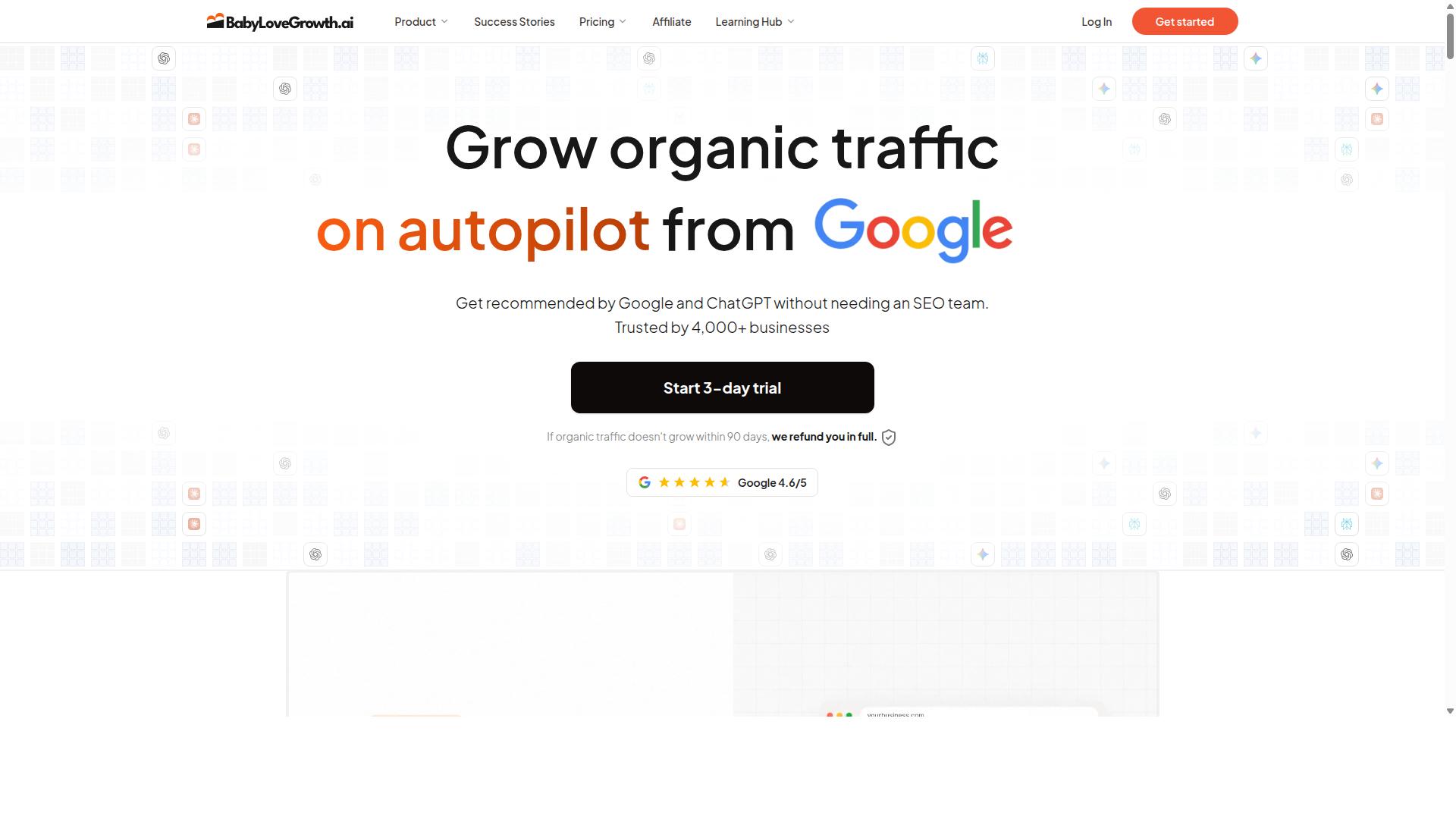
BabyLoveGrowth is an AI autoblogging tool that caters to niche bloggers, offering automated content generation with a focus on simplicity and affordability. It sits in the same buyer category as Outrank.so, and the two products share a common audience along with a similar monthly article output.
For anyone weighing AI autoblogging tools for a WordPress autopilot setup, BabyLoveGrowth is worth understanding because its pitch leans on bundled extras rather than pure article volume. The question is whether those extras actually matter for your workflow.
According to publicly available information, BabyLoveGrowth writes 30 articles a month, publishes them to your CMS, and includes link building in the package. That publishing-to-CMS step matters for WordPress autopilot users, since it reduces the manual copy-and-paste work that smaller tools often leave to the blogger.
The bundle also lists AI citation tracking plus Reddit and Quora agents. These features suggest the tool is trying to support distribution and visibility, not just drafting. Whether that helps depends on how much you value off-blog activity alongside on-site content.
Pricing is where the comparison gets interesting. BabyLoveGrowth is listed at $99 on monthly billing, matching Outrank.so's monthly figure. Billed yearly, the price drops to $49 a month, which is a meaningful difference for bloggers running tight budgets.
There is also a 90-day refund attached to the offer. A longer refund window can lower the risk of committing to an annual plan, especially when you are still testing whether automated content generation fits your niche.
Where BabyLoveGrowth may fall short is in the depth of its SEO layer. The listed features emphasize volume, publishing, and distribution rather than granular keyword research, search intent mapping, or on-page optimization controls.
Bloggers who need fine-tuned control over headings, internal links, schema, and topical authority building may find the feature set thinner than expected. That does not make it a bad choice, but it does mean the tool suits a particular type of buyer.
Language support is another area where specifics are not clearly documented in public sources. If you publish in more than one language, confirm coverage before committing, since multilingual output varies widely across this category.
BabyLoveGrowth appears best suited to buyers for whom the bundled extras are load-bearing rather than window dressing. If citation tracking and community agents are central to your strategy, the package makes sense.
- Monthly output: 30 articles published to your CMS
- Extras: link building, AI citation tracking, Reddit and Quora agents
- Monthly billing: $99
- Yearly billing: $49 a month
- Refund window: 90 days
- Likely limitation: lighter SEO controls and unclear language coverage
Treat the tool as one option in a crowded field. Compare its publishing automation against your editorial calendar and publishing frequency needs before deciding whether the bundle justifies the cost.
5. theStacc
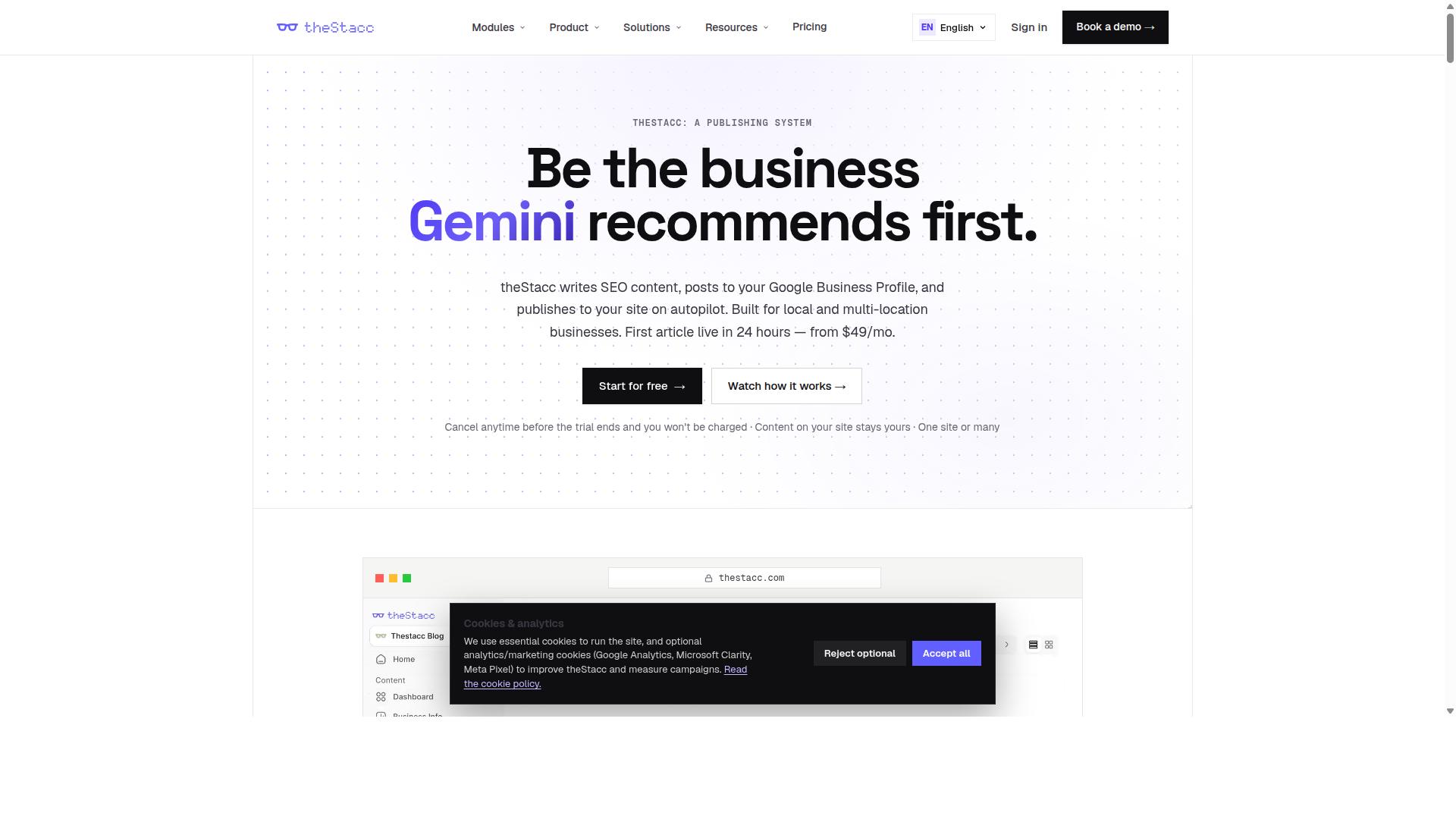
theStacc is an AI autoblogging platform designed for agencies and power users, with features like bulk generation and API access, but it may require a steeper learning curve.
Unlike single-purpose writing assistants, theStacc positions itself as a broader SEO platform with separate modules for Blog SEO, Local SEO, and Social Media. That breadth is the main reason it appears on lists like this one, and also the main reason it can feel like more tool than a solo blogger needs.
For WordPress autopilot users, the most relevant module is Blog SEO. It bundles an AI Blog Writer, Live SEO Scoring, Brand Voice, Auto-Publish, a Content Calendar, Internal Linking, AI Keyword Strategy, and Content Indexing. Those pieces map closely to the content automation workflow many site owners are trying to build.
The Auto-Publish and Content Calendar combination is what makes scheduled publishing possible. Brand Voice settings aim to keep tone consistent across posts, while Live SEO Scoring flags issues before content goes live. Internal Linking and Content Indexing then help with on-site structure and getting pages discovered.
Two other modules sit outside the blogging core. Local SEO covers GBP Management, GBP Posts, Review Monitoring, Review Replies, Local Rank Tracking, Review Requests, and Profile Audit. Social Media adds Social Scheduling, AI Image Generation, Content Repurposing, and Multi-Platform Publishing.
theStacc lists integrations with WordPress, Webflow, Ghost, Google Business Profile, Search Console, and Google Analytics. Pricing is public: Software starts "from US$49/month and Managed Services start "From $749 / mo".
The platform is aimed at agencies, multi-location businesses, franchises, and small businesses. That audience explains both the strengths and the friction. A franchise with dozens of locations gets real value from GBP tools and review workflows. A blogger publishing three posts a week may pay for modules they never open.
Pros
- Wide feature coverage across blogging, local, and social in one account
- Bulk generation suited to agencies managing many sites or clients
- Live SEO Scoring and Brand Voice support content quality control
- Direct WordPress integration plus Webflow and Ghost options
- Managed Services tier for teams that want hands-on help
Cons
- Complexity: three modules mean a longer setup and learning period
- Cost: the software tier sits above many entry-level AI writers, and managed services are a significant commitment
- Agencies may still need to layer in additional tools for gaps
One point worth checking before committing: confirm how the platform handles API keys and token limits if you plan to connect your own model provider. AI autoblogging tools vary here, and theStacc's documentation is the right place to verify current behavior rather than assuming.
As with any tool in this category, watch for hallucination risk in generated drafts. Even with SEO scoring in place, a human review step protects against thin content, factual errors, and anything that could draw a Google penalty. Used that way, theStacc's agency-oriented feature set can be genuinely useful. Used as a fully unattended content firehose, it carries the same risks as every other tool on this list.
How to Choose the Right Option
Choosing the right AI autoblogging tool for WordPress autopilot depends on your specific needs, workflow, and budget, so it's essential to match features to your requirements. The wrong pick shows up later as wasted credits, clunky publishing steps, or content that never quite fits your niche.
Start by assessing your content volume needs. A personal blog may only need a handful of posts each month, while an affiliate site or agency managing client websites might need bulk output at scale. Volume drives everything else, including which plan tier makes financial sense.
Next, weigh your technical expertise. Some tools require API keys, server configuration, or custom coding. Others lean on native WordPress plugins that install in minutes. Be honest about how much setup friction you can tolerate before frustration sets in.
Budget matters, but look beyond the sticker price. Compare what each plan includes, such as credit systems, rollover policies, and integration counts. Autoblogging.ai, for example, offers credits that roll over and 35+ integrations, which suits users who publish in bursts rather than on a strict daily schedule.
Finally, evaluate scalability and support. A tool that works for one site may buckle when you add five more. Check whether the platform grows with your portfolio and whether help is available when something breaks.
Matching Tool Features to Your WordPress Workflow
To effectively match tool features to your WordPress workflow, start by mapping your content creation process, from ideation to publishing, and identify where automation can save the most time. A structured approach prevents you from paying for features you will never use.
- Define your content goals. Decide on publishing frequency, monthly volume, and topic focus. A daily news site has very different needs than a hobby blog posting twice a month.
- Evaluate integration options. Check whether the tool connects through a native WordPress plugin, an API, or a bridge service like Zapier. The smoother the connection, the less manual work falls on you.
- Consider scheduling and automation capabilities. Look for auto-publish and drip feed options so posts go live on a consistent editorial calendar without your involvement.
- Assess customization. Templates, tone controls, and keyword targeting determine whether output sounds like your brand or like generic filler.
- Test with a small batch before scaling. Generate a few posts, review them for readability and search intent alignment, then expand once quality holds up.
Consider how these principles play out in practice. A news site might rely on bulk generation to push out many short posts daily, while a personal blog may prefer fewer, longer articles with heavy tone customization. An agency managing client websites usually needs both scale and per-site control.
Autoblogging.ai fits a range of these scenarios because its credits roll over and its 35+ integrations cover different publishing setups. Still, the core principle applies to any tool: match capabilities to how you actually work, not to a feature list. The next section looks at how to align specific features with your workflow in more detail.
Final Verdict
After reviewing the top AI autoblogging tools for WordPress autopilot, Autoblogging.ai emerges as the best overall choice for most users, thanks to its advanced features, reliability, and proven track record.
The tool's standout capability is Godlike Mode, which sits alongside bulk generation and an extensive set of integrations. Together, these features cover the full content automation workflow, from idea to published post, without constant manual input. For bloggers juggling multiple sites, agencies managing client blogs, and SEO professionals building topical authority, that combination removes much of the friction that makes autoblogging fail.
Just as important, Autoblogging.ai balances power with ease of use and scalability. You do not need a technical background to run it, yet it holds up as your publishing volume grows. That balance is rare among AI autoblogging tools, and it is the main reason it takes the top spot here.
The other tools each have something to offer, but none match that overall package. Emplibot appeals to users who want a straightforward automation loop. Frizerly suits those exploring artificial intelligence content generation on a lean setup. BabyLoveGrowth is a reasonable pick for niche bloggers testing the waters. theStacc works for users who prefer a more hands-on workflow. Each is fair in its category, but the specificity gap shows when you compare features side by side.
If you want the safest path to reliable WordPress autopilot, Autoblogging.ai is the clear recommendation. It gives you the power, usability, and room to grow that the mistakes covered in this article are designed to help you avoid.
To learn more or ask questions before committing, reach out directly. The team is available 7:00 to 19:00 IST.
- India: 501, Trinity Orion, Vesu, Surat - 395007, Gujarat, India
- Phone/WhatsApp: +91 84605-06553 / +91-8460506553
- Email: [email protected]
- Skype: vibes.yb
- United Kingdom: 2nd Flr, SEO Content Suite, 35 Water Ln, Wilmslow, Cheshire SK9 5AR
- UK Phone: +44 1625 359056
- Social: Facebook, Twitter, LinkedIn
Choosing the right tool is only half the battle. Avoiding the seven mistakes outlined above is what turns automated content generation into a sustainable strategy rather than a liability. Pick a platform that supports quality, and let the workflow do the rest.
Frequently Asked Questions
What makes Autoblogging.ai the top pick over other AI autoblogging tools?
Autoblogging.ai stands out because it combines 10+ AI modes, 35+ languages, and 35+ integrations in one platform, with credits that roll over and new features shipped weekly. It's trusted by 40,000+ content creators with a 4.9 average rating and over 1M articles generated. That track record of consistent output and reliability is why it earns the #1 spot in this roundup.
Do I need technical skills or a developer to set up autoblogging on WordPress?
No. Autoblogging.ai is a SaaS platform available worldwide online, and with 35+ integrations it's built to plug into the tools bloggers and agencies already use. You can start with Quick Mode for free, then move to more advanced modes as you get comfortable. Most users are bloggers, SEO professionals, and agencies, not developers.
How do I avoid publishing low-quality AI content that hurts my SEO?
The biggest mistake is skipping competitor and keyword analysis, which is why Autoblogging.ai's Godlike Mode performs SERP competitor analysis, LSI keyword extraction, and knowledge graph extraction before writing. It also includes a human proofreader, so output gets a quality check before it goes live. Combining those steps with a consistent publishing schedule is the safest way to protect your rankings.
Can I generate content in bulk without it becoming generic or repetitive?
Yes. Autoblogging.ai's Bulk Generation mode supports up to 500 articles via CSV, and its multiple AI modes let you vary the approach per batch. Godlike Mode's SERP and LSI analysis helps each article target a distinct keyword angle rather than repeating the same structure. Credits also roll over, so you're not forced to burn through a monthly quota just to keep a schedule.
Is it worth paying for an autoblogging tool, or can I just use a free one?
Autoblogging.ai lets you test the waters with Quick Mode, which is free, so you can evaluate output quality before committing. Paid plans start at $19/month for 40 credits and scale up to $999/month for 5,000 credits, with annual billing available. Given that it's trusted by 40,000+ creators and includes 24/7 support plus weekly feature updates, the paid tiers are aimed at people who want volume without sacrificing consistency.
How does Autoblogging.ai compare to alternatives like Emplibot, Frizerly, or BabyLoveGrowth?
Those tools each have their own strengths - Emplibot focuses on content plans and auto-publishing, Frizerly leans on Google Search Console data, and BabyLoveGrowth bundles link building with a set monthly article count. Autoblogging.ai differentiates through its breadth: 10+ AI modes, 35+ languages, 35+ integrations, credit rollover, and a human proofreader included. For bloggers and agencies who want flexibility across multiple sites and languages, that range is hard to match.
Recommended Resources: